Preparing Your Files for Academic Editing: Everything You Need to Know
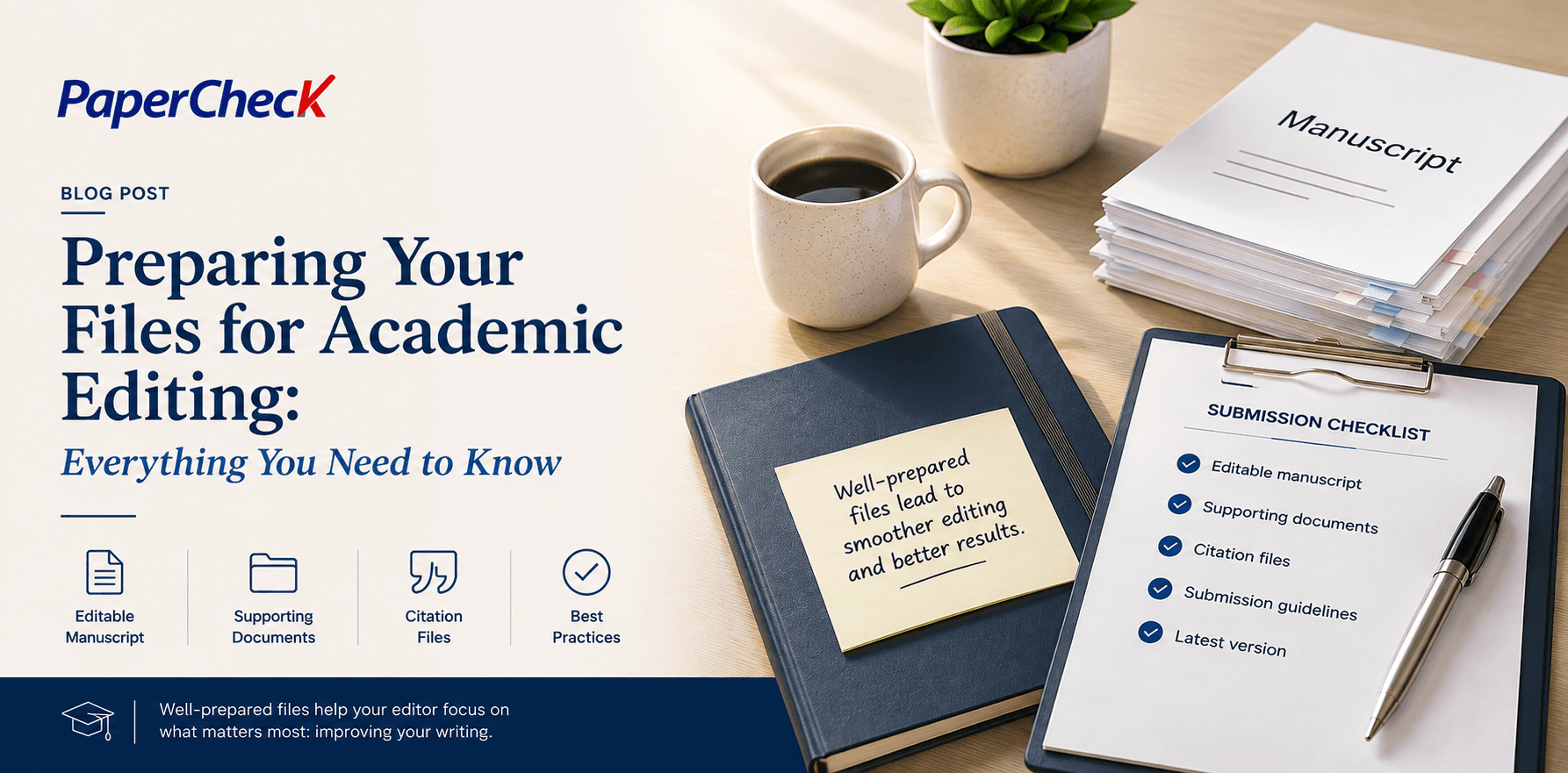
Preparing Your Files for Academic Editing: Everything You Need to Know
Carefully preparing your files can save time during academic editing and help your editor focus on improving your writing rather than chasing missing material.
Whether you are submitting a journal article, thesis chapter, grant proposal, conference paper, or book manuscript, the files you provide can make a real difference to the editing process.
Well-prepared materials help your editor focus on what matters most: improving clarity, consistency, grammar, structure, formatting, and scholarly presentation. They can also reduce delays, prevent version confusion, and make it easier for you to review and accept changes afterward.
Submit an Editable Main Document
Whenever possible, submit your main manuscript in an editable format. Microsoft Word files, usually with the .docx extension, are the preferred choice for most academic editing projects.
Other editable formats may also be acceptable, depending on the project:
· .docx or .doc — preferred for most manuscripts
· .rtf — generally workable, though formatting may be less stable
· LaTeX source files — often suitable for highly technical, mathematical, or scientific manuscripts. If you are using LaTeX, include the source files needed to compile the manuscript, such as .tex, .bib, .sty, .cls, or similar support files.
· .odt — may be editable, but conversion to Word can occasionally affect formatting
PDF files are useful as reference copies, but they are usually not ideal as the only editable file. In a PDF, editors often need to use comments, annotations, or markup tools to explain what should be changed rather than making the change directly. This can create more work for you after editing, especially in a long manuscript.
Not sure what to submit for editing?
Upload your manuscript to PaperCheck and our team can help you get started.
Supporting Documents
Supporting documents should accompany the manuscript when they are part of the editorial process. Consider including:
· Assignment instructions or assessment criteria
· Journal, university, publisher, or conference submission guidelines
· A style guide or house style document
· A brief note explaining the intended audience and purpose
· A list of sections that need particular attention
· Any feedback already received from supervisors, peer reviewers, or co-authors
If you are working on a thesis or dissertation, it is especially helpful to provide your institution’s formatting requirements. These may cover headings, margins, tables, figures, reference style, front matter, and other details that vary between universities.
Citation Files
Citation files are especially important for academic work. Include your full reference list with the manuscript, even if it is still being finalized. If your article uses reference-management software, include the bibliography file, such as a .bib file for LaTeX, .ris files, .enl files for EndNote, and .xml exports from reference managers.
Also, tell the editor which citation style you are using, such as APA, MLA, Chicago, Harvard, or a journal-specific style. If the target journal has its own referencing rules, send a link or a copy of those instructions.
Best File-Preparation Practices
A few habits make the process smoother. Use consistent file names, and keep the manuscript, figures, and supplement documents clearly distinguished. Remove unnecessary password protection or file restrictions that could interfere with editing. Make sure the latest version is the one you submit, and check that all cross-references, captions, and citations are complete before sending the files.
Finally, do not worry about making your manuscript perfect before editing—that is what the editor is there for. However, a clean, complete, editable file package gives your editor the best possible starting point and helps you receive clearer, more useful revisions.
Ready to submit your manuscript for editing?
Send your document to PaperCheck and let our professional editors help you improve clarity, consistency, grammar, and overall presentation.