Grammarly vs. Professional Editing: Why One Is Not Enough for Your Research Paper
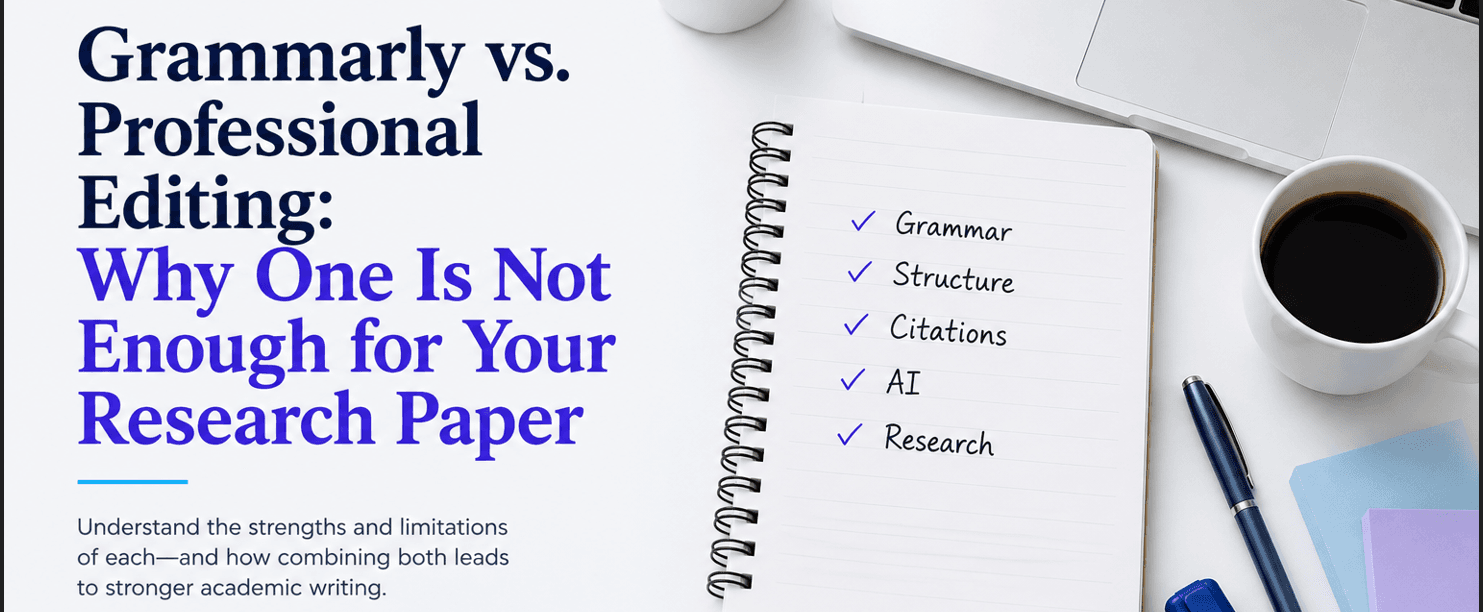
Grammarly vs. Professional Editing: Why One Is Not Enough for Your Research Paper
Grammarly can catch mistakes.
It can't evaluate your research like an experienced editor can.
Grammar is only one part of strong academic writing.
Professional editing goes beyond correcting language. It helps improve clarity, logical flow, consistency, and readability while ensuring your manuscript communicates your ideas as effectively as possible.
Understanding the strengths of both Grammarly and professional editing can help you build a stronger writing and revision process before submission.
Grammarly is fast, easy to use, and helpful for spotting many grammar, spelling, and punctuation issues. It can be especially useful during early drafting, for non-native English speakers, or when you want a quick check before sharing a paper with a supervisor or coauthor. For students and researchers, this immediate feedback can save time and help catch many common writing errors before another person reviews the document.
However, Grammarly also has limitations. First, it does not fully understand your paper’s purpose, audience, or academic conventions, so it can miss nuance or suggest changes that are not ideal for your field. Second, because its suggestions are generated by AI and influenced by user settings, writing goals, and ongoing model updates, two users may not always receive the same recommendations for the same document. This can make its feedback somewhat inconsistent, particularly for style and clarity suggestions rather than straightforward grammar corrections. In addition, Grammarly itself acknowledges that it does not detect every error and encourages users to report mistakes that were missed, underscoring that no automated checker is perfect.
Professional editing offers something automated tools cannot: human judgment. An experienced editor can improve clarity, flow, structure, tone, and consistency throughout the paper, while also monitoring discipline-specific style and publication standards. Rather than simply correcting sentences, an editor evaluates whether ideas are presented logically, whether terminology is used consistently, and whether arguments are clear and well supported. They can also identify ambiguous wording, repetitive passages, and inconsistencies that software may overlook. That makes them especially valuable for theses, journal submissions, grant proposals, and other high-stakes documents.
This does not mean Grammarly has no place in the writing process. On the contrary, it is often an excellent way to prepare a draft before sending it to an editor. By correcting basic grammar and spelling issues in advance, writers allow the editor to focus on higher-level improvements, such as clarity, organization, and scholarly style. This can also make the editing process more efficient.
Ultimately, the choice is not between Grammarly and professional editing. Grammarly is a helpful proofreading assistant that quickly catches many mechanical errors, whereas a professional editor provides the critical thinking, subject awareness, and nuanced language expertise needed to produce polished academic writing.
For the best results with your research paper, the strongest approach is to use Grammarly early and then rely on professional editing for the final review. Together, they provide a more reliable path to a clear, accurate, and publication-ready research paper.
Ready to Submit a Stronger Research Paper?
Grammarly is an excellent first step for catching grammar and spelling mistakes, but professional editing goes further by improving clarity, logical flow, consistency, and academic style.
Whether you're preparing a journal article, thesis, dissertation, or research paper, our editors can help you submit your best work.
👉 Upload your manuscript today and receive a personalized quote.